

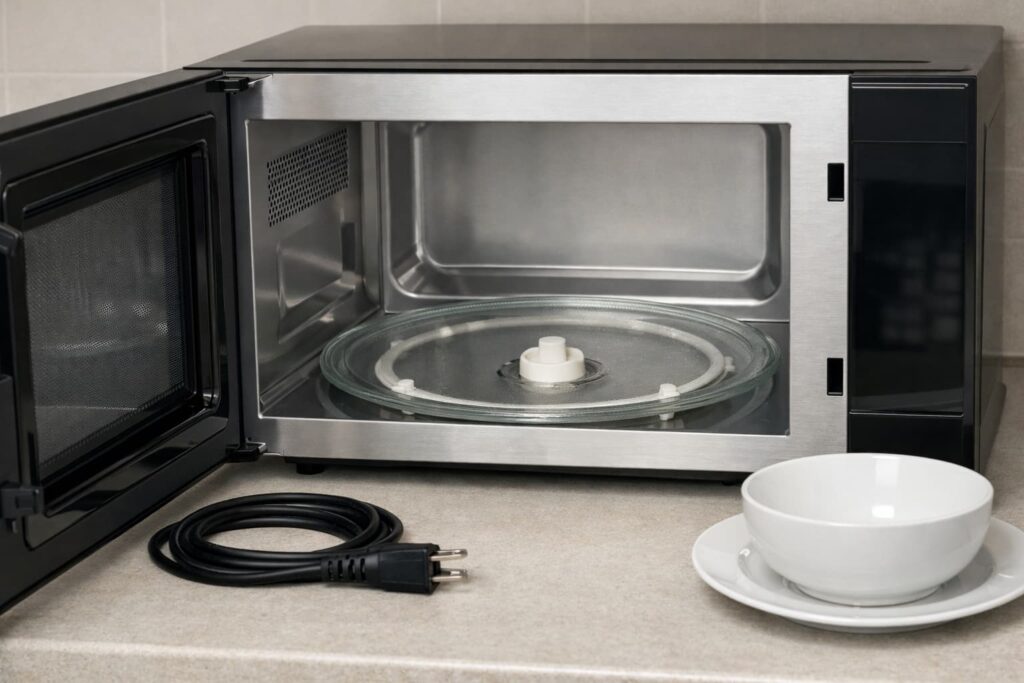
If your microwave turntable not turning issue happens during normal cooking, the most common safe-to-check causes are a mis-seated tray, a roller ring problem, debris on the track, an oversized dish rubbing the wall, shipping materials left in place on a new unit, or a turntable setting that was switched off. Support guidance from Samsung Support, GE Appliances Support, LG Support, and Whirlpool Product Help all point readers to these checks before service.
A non-rotating tray matters because the turntable helps food heat more evenly. Whirlpool explains that the rotating plate promotes even heating and reduces hot and cold spots.
What to do first
Before you assume the motor is bad, start with the safe, no-disassembly checks below. Official support pages begin with installation, alignment, debris, and settings rather than internal repair.
1. Unplug the microwave
Unplug the unit before removing the glass tray or roller ring to inspect and clean the turntable area. Keep this in the homeowner-safe zone. If the problem continues after the basic checks, the manufacturers point you toward service rather than internal repair.
2. If the microwave is new or was recently moved, check for shipping materials
If this problem started on a brand-new microwave or right after reinstalling it, check for leftover packing material or tape around the turntable parts. Samsung says to remove all packing materials and make sure the roller ring and turntable are installed correctly. Whirlpool also notes that protective material and tape around the hub or support can stop normal rotation on some models.
3. Remove and re-seat the glass tray
Take out the glass tray and reinstall it carefully. GE says the tray should be centered, seated properly, and placed right side up. If the plate is upside down, it can drag on the microwave floor instead of rotating smoothly.
4. Check the roller ring or roller guide
If your model uses a roller ring with small wheels, make sure it is present and sitting in the correct track. Samsung says a missing or misplaced roller ring can make the turntable come out of place or stop turning. LG also tells users to check whether the glass tray is sitting correctly on the guide.
5. Clean the track and cavity floor
Food residue under the wheels or on the oven floor can block movement. GE says debris under the turntable ring wheels can prevent movement, and Samsung recommends washing the tray and roller parts with warm, soapy water, then cleaning the bottom of the microwave and the roller track before reassembly.
6. Make sure you started a cook cycle, not just the timer
GE specifically says to make sure you are pressing a cook function rather than a timer function. If the microwave is counting down but not actually in a cooking mode, the turntable behavior may not match what you expect.
7. Check whether your microwave has a turntable on/off control
Some microwaves let you stop tray rotation on purpose, especially for larger dishes or manual cooking. GE says to re-engage the turntable if your microwave has that feature, and Whirlpool notes that on some models the function may be turned off or certain modes may keep the plate in place. Check your owner’s manual for your exact model.
Common causes of a microwave turntable not turning
The tray is installed incorrectly
A poorly seated or upside-down tray is one of the easiest fixes. GE says the plate must be centered, seated properly, and right side up, while Whirlpool notes incorrect installation can cause thumping or rumbling and stop proper rotation.
The roller ring is missing, out of place, or dirty
Samsung says the roller ring must be installed correctly and that residue on the track can make the turntable noisy, unbalanced, or stuck. Whirlpool also says obstructions on the roller track can block movement.
The roller guide may be worn or cracked
If the tray is seated correctly but still drags, wobbles, or binds, inspect the roller guide closely for wear, cracks, or other damage. LG specifically tells users to check the roller guide for cracks, wear, or damage when the glass tray is not moving. If the guide looks damaged, stop there and move to the correct replacement part or service for your model instead of forcing the tray to keep running.
The coupler is not engaged correctly
Samsung says the center of the turntable has a coupler that connects to the motor, and if it is not positioned correctly, the turntable may not spin and will often make a lot of noise. This is still a safe visual check from inside the cavity. It is not a reason to open the cabinet or remove internal parts.
The dish is too large or the food load is awkward
Samsung says the tray can drag if the roller ring is not in place, if there is too much food, or if the container is too large and touches the microwave side walls. Whirlpool similarly explains that some models allow turntable-off use for larger plates, which is another reason to confirm settings and dish size before assuming failure.
The turntable function is turned off
This is model-dependent, but it is a real cause. GE and Whirlpool both say some microwaves have a turntable on/off feature, so checking the control panel and owner’s manual is worth doing early.
The turntable motor may have failed
After the basic checks, a failed turntable motor becomes more likely. Whirlpool says motor repair or replacement is a challenging task that should be left to a professional, and GE recommends service if the basic suggestions do not solve the issue.
A quick symptom-based troubleshooting flow
Turntable does not move at all
Likely causes include a misaligned tray, a missing or misplaced roller ring, a coupler issue, a turntable-off setting, shipping material still in place, or a motor problem. Start by unplugging the microwave, checking for leftover packing material if the unit is new, reseating the tray, checking the ring and coupler area, cleaning debris, and confirming you are using a real cook cycle with the turntable function on if your model supports it.
Turntable makes a thumping, rumbling, or rattling sound
Whirlpool says incorrect installation can cause thumping or rumbling, and Samsung ties noise to residue on the track or a coupler that is not positioned correctly. Clean the area and re-seat the parts before going further.
Turntable wobbles or comes off track
Samsung says this often points to a missing or mispositioned roller ring. Check the ring first, then confirm the tray is centered correctly. If the ring is in place but the tray still binds, inspect the roller guide for cracks or wear.
Turntable drags while turning
Samsung says dragging can happen when the roller ring is not properly in place, there is too much food, or the container is too large and touches the side walls. Try a smaller microwave-safe dish that clears the cavity walls.
Microwave runs, but the plate stays still only on some settings
Whirlpool says some microwaves and some modes may intentionally keep the plate from spinning, and GE says some models have a turntable on/off pad. Check the manual before assuming a bad part.
One more detail: on some models, the turntable may also alternate rotation direction from one cycle to the next. Whirlpool says this can be normal and depends on motor rotation at the beginning of the cycle. So if the tray is rotating the opposite way than usual, that alone does not mean something is broken.
Helpful video for this section
This video is useful here because it matches the exact symptom and visually supports the article’s cause checklist and basic diagnosis flow.
Safe fixes you can do yourself
These are the homeowner-safe fixes supported by official troubleshooting pages:
- Unplug the microwave.
- If the unit is new or recently moved, remove any leftover packing material or tape around the turntable support area.
- Remove the glass tray and roller ring.
- Wash the tray and roller parts with warm, soapy water.
- Wipe the cavity floor and the roller track clean.
- Dry everything thoroughly.
- Reinstall the ring and tray correctly.
- Make sure the tray is right side up and centered.
- Check that the coupler area is aligned correctly from inside the cavity.
- Inspect the roller guide for visible wear or cracks.
- Use a normal cook cycle and confirm the turntable setting is on if your model has one.
Helpful videos for this section
This video helps with the article’s first-pass troubleshooting steps before you assume the microwave needs service.
This one is a good visual companion for checking the common reasons a tray will not move, especially for readers who want to compare symptoms before calling for repair.
What not to do
Do not keep running the microwave with the turntable parts removed. Samsung and Whirlpool both say the microwave should not be operated without the turntable in place.
Do not open service panels, remove the motor, or attempt internal electrical repair. Whirlpool says motor repair or replacement is a challenging task that should be left to a professional, and LG directs users toward service if the basic checks do not solve the problem.
Do not ignore uneven heating. A stuck turntable can contribute to hot and cold spots in food.
Stop and call a pro
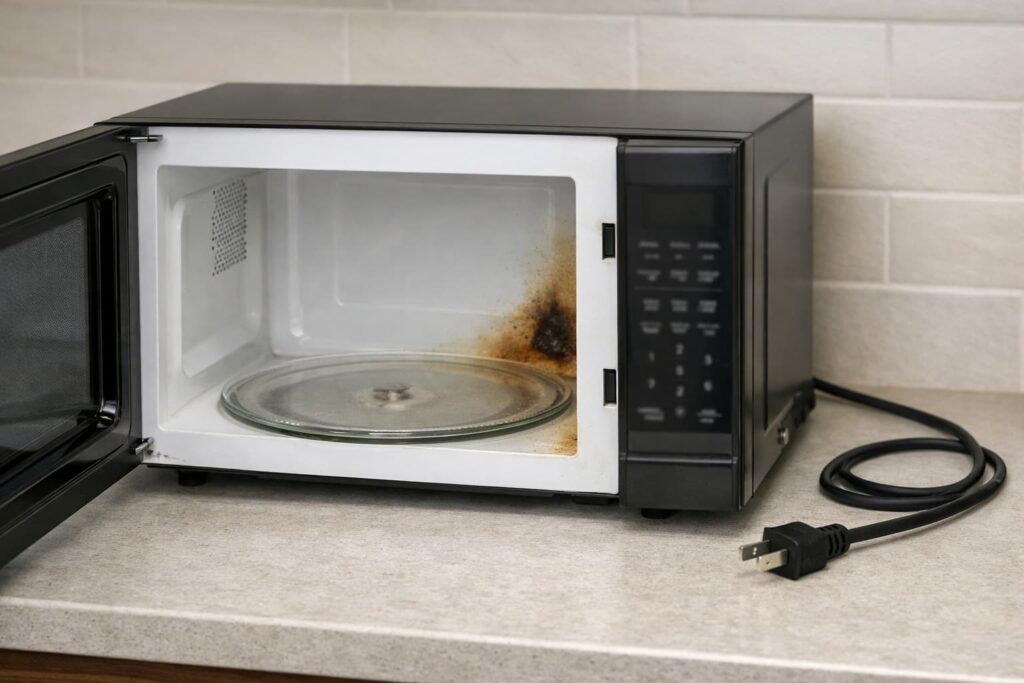
Stop using the microwave and get qualified service if:
- the turntable still will not move after the safe checks above,
- the roller guide is visibly cracked or damaged and you cannot confirm the correct replacement part,
- you smell burning,
- you see sparking,
- the door does not latch or close correctly,
- the microwave also has heating problems,
- the tray area looks damaged beyond simple debris or misalignment.
GE recommends service if the basic fixes do not solve the issue, Samsung says to contact service if the issue continues after the listed solutions, and Whirlpool directs users to schedule service when the problem persists or points to the motor.
Does a microwave need the turntable to spin?
In many everyday cases, yes, because the plate helps distribute heat more evenly. Whirlpool says the turntable promotes even heating and helps reduce hot or cold spots. That said, some microwaves or cooking modes are designed to keep the plate still, so your model manual is the final word for normal behavior.
Can you still use the microwave if the turntable is not turning?
It may still heat, but that does not mean it is working as intended. Poor rotation can lead to uneven heat distribution. For routine reheating and cooking, it is smarter to fix the turntable issue or use another method until you know the microwave is operating correctly.
FAQs
Why is my microwave turntable not turning but the microwave still heats?
That usually points first to tray installation, the roller ring, debris on the track, the turntable setting, shipping material on a new unit, or the coupler area. If those check out, the motor may be the issue. Official brand support pages all start with these basic checks before recommending service.
Can a dirty microwave stop the turntable from spinning?
Yes. GE says food or debris under the wheels of the turntable ring can prevent movement, and Samsung says residue on the rollers or bottom of the microwave can make the tray noisy or unbalanced and stop proper turning.
Is it normal for some microwaves not to rotate on certain settings?
Yes, on some models. Whirlpool says some microwaves or cooking modes keep the plate in place, and GE notes that some models have a turntable on/off feature.
Should I replace the turntable motor myself?
For most homeowners, no. Whirlpool says motor repair or replacement is a challenging task that should be left to a professional.
Can a large plate stop the turntable?
Yes. Samsung says containers that are too large and touch the side walls can make the turntable drag or stop.
What if my microwave is brand new and the turntable is not moving?
Check for leftover packing materials, tape, or protective supports around the tray area before assuming a failed part. Samsung and Whirlpool both include packaging-related checks in their turntable troubleshooting guidance.
Do I need to stop using the microwave if the tray is not spinning?
If basic re-seating and cleaning do not fix it, it is smart to stop using it for routine cooking and reheating until the issue is understood. Uneven heating is the main reason not to ignore it.
Conclusion
A microwave turntable not turning problem is often simpler than it looks. Start with the safe checks: unplug the unit, check for leftover shipping materials if it is new, re-seat the tray, inspect the roller ring, clean the track, confirm the dish is not rubbing, look for visible roller-guide damage, and make sure the turntable setting was not switched off. If those steps do not solve it, stop at the homeowner-safe boundary and book service rather than opening the microwave or chasing the motor yourself.
Sources / References
- Samsung Support — What should I do if the microwave turntable does not work?
- GE Appliances Support — Microwave: Turntable Does Not Turn
- LG Support — Microwave: Glass tray is not moving
- Whirlpool Product Help — Turntable Not Working – Over-the-Range Microwave
- Whirlpool Product Help — Microwave Turntable Not Working – Countertop Microwave
- Whirlpool — Why Is My Microwave Plate Not Spinning?