

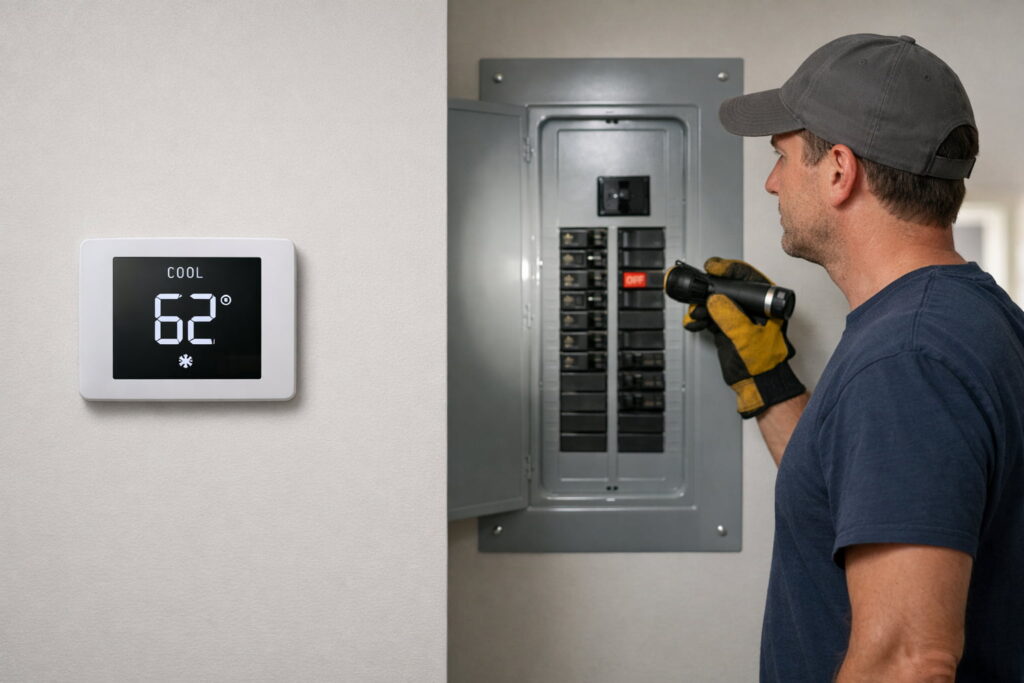
If your thermostat not turning on ac, the issue is usually a simple setting/timing delay, lost power to the HVAC equipment, or a safety shutdown—not a “bad thermostat.” Start by confirming Cool mode + setpoint, waiting out any built-in delay, and checking that your air handler/furnace and outdoor unit actually have power.
quick fix order
- Set Cool and lower the setpoint below room temp.
- If the cooling icon is flashing, wait (delay protection).
- Check the HVAC breaker and the equipment switch near the air handler/furnace.
- Confirm the air handler/furnace panel is fully closed (door safety switch).
- Replace thermostat batteries (if it uses them).
- If it’s a smart thermostat, resolve “no power” warnings before anything else.
- If the breaker trips again or water is present, stop and call a pro.
Quick symptom splitter (30 seconds)
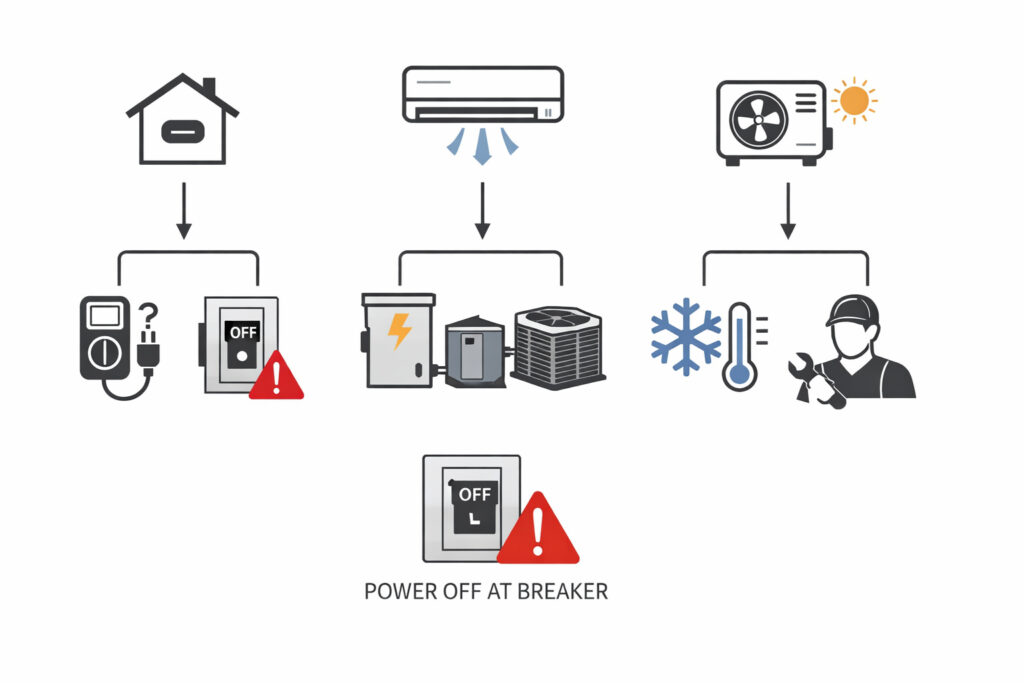
Before troubleshooting, note what happens when you lower the setpoint in Cool:
- Nothing happens indoors (no blower/fan sound): think power to the air handler/furnace, door switch, control issue, or thermostat power.
- Indoor blower runs but outdoor unit is silent: think outdoor power (breaker/disconnect), safety shutdown, or condenser-side fault.
- Outdoor runs but air isn’t cold: think airflow/refrigerant/coil issues—often professional service.
Safety first
- Stop immediately and call a licensed pro if you smell burning, see smoke, hear arcing/buzzing, or the breaker keeps tripping.
- Turn off power at the breaker/fuse box before removing a thermostat faceplate or touching wiring.
- If you see water around the indoor unit, treat it as a safety shutdown risk and call an HVAC tech.
For official homeowner-safe “don’t push past this” guidance around power and troubleshooting, reference Trane — Thermostat not working: Trane — Thermostat not working
What not to do
- Don’t repeatedly flip breakers or keep restarting the system if it trips—that’s a warning sign.
- Don’t open sealed electrical compartments on the furnace/air handler or condenser.
- Don’t “jump” thermostat terminals unless you’re trained—incorrect bridging can damage controls.
- Don’t keep running the system if you see water leaks or ice buildup.
1) Settings and delay issues (the easiest wins)
Confirm Cool mode + setpoint
Make sure:
- System mode is Cool
- Temperature is set below the room temperature
Honeywell’s official checklist for “cooling not working” walks through these basics and what indicators to look for: Honeywell Home Support — Why is my cooling not working?
Check for schedule overrides (Hold / Away / Eco)
If the thermostat keeps “ignoring” your setting, look for a schedule or automation that’s taking control:
- A schedule may raise the setpoint soon after you change it.
- Hold/Vacation/Away/Eco modes can limit cooling or change behavior.
- For smart thermostats, check the app for home/away routines or “energy saving” modes that may override your manual change.
Wait out the compressor protection delay
Many thermostats delay cooling to protect the compressor from short-cycling. Honeywell notes the delay can be up to 5 minutes: Honeywell Home Support — Set to cool but not running
What to do: Leave it on Cool, keep the setpoint low, and don’t keep toggling the system.
2) Your thermostat is calling, but the HVAC equipment has no power
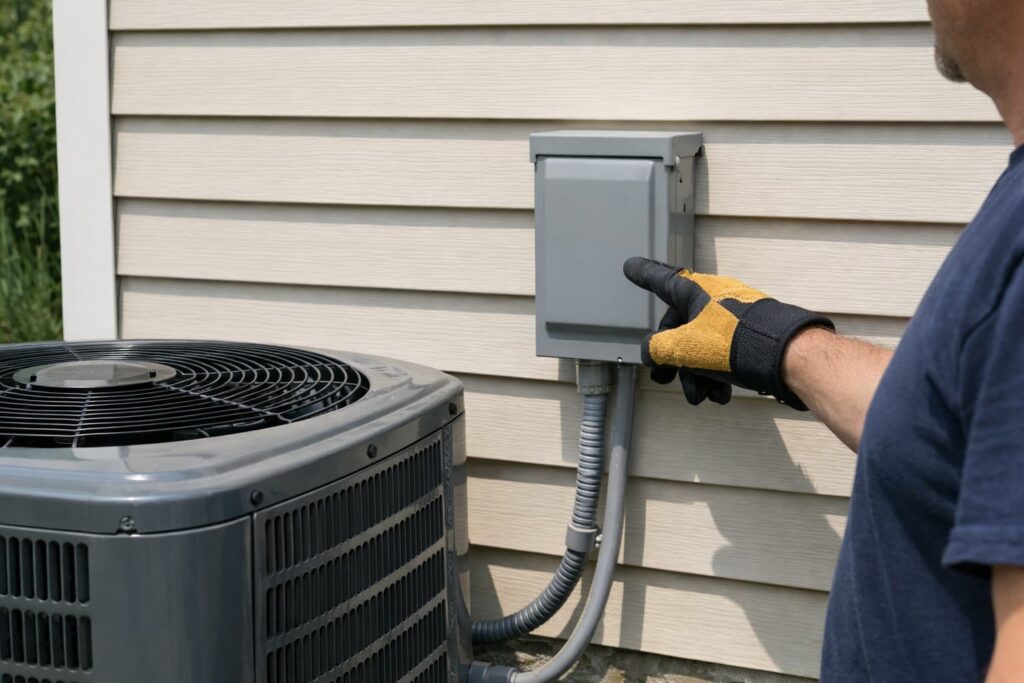
A thermostat can be working perfectly, but the AC won’t start if the equipment isn’t powered.
Check the breaker (and take repeat trips seriously)
- Reset once if it’s tripped.
- If it trips again, stop—don’t keep forcing it.
Don’t forget outdoor unit power (condenser)
Your thermostat can call for cooling, but the AC still won’t start if the outdoor condenser has no power. If you’re comfortable doing basic checks:
- Check the AC/condensing unit breaker (often separate from the furnace/air handler breaker).
- Check the outdoor disconnect box near the condenser—sometimes it’s switched off or the pull-out is not fully seated.
- If you’re not sure what you’re looking at, or the breaker trips again, stop and call a licensed HVAC tech.
Check the HVAC “equipment switch”
Many air handlers/furnaces have a service switch nearby (looks like a light switch). If it’s off, the thermostat can’t run cooling.
Confirm the blower/air-handler panel is fully closed
A loose panel can hold a door safety switch open, preventing operation.
Sensi’s official steps include checking breaker power, the equipment switch, and confirming the unit panels are properly in place: Sensi Support — Why isn’t my cooling turning on?
Safe reset (after storms/outages)
If you recently had a power blip, a simple reset can help:
- Set thermostat to Off.
- Turn HVAC breakers off (air handler/furnace and AC if separate) for about a minute.
- Turn breakers back on.
- Set thermostat to Cool, lower the setpoint, and wait through any delay.
If anything trips again or you notice burning smells or buzzing, stop and call a pro.
3) Thermostat screen is blank (thermostat won’t turn on)
If your thermostat uses batteries
Replace batteries first. A dead display often means a simple power issue.
If it’s a smart thermostat (or it keeps dying)
A smart thermostat that won’t boot or shows “no power” may not be getting enough power from the HVAC system wiring. Use your thermostat’s official troubleshooting to interpret the warning and next steps.
Official Nest guidance for “thermostat won’t turn on / no power” is here: Google Nest Help — Thermostat won’t turn on
4) Quick test: is the thermostat actually sending a cooling call?
If your thermostat powers on, try a simple test (no tools):
- Switch Off → Cool
- Lower the setpoint below room temperature
- Listen for a soft click / watch for a “cooling” indicator
Sensi includes this kind of test in its official cooling troubleshooting flow (useful for confirming the thermostat is trying): (source already linked above)
5) AC stopped suddenly? It may be a condensate overflow safety shutdown
If cooling worked and then quit—especially during hot, humid weather—your system may have shut down to prevent water damage.
Trane explains that an overflow/float switch can shut down cooling components when condensate backs up: Trane — HVAC air handler overflow switch
Safe homeowner checks:
- Look for visible water around the indoor unit/drain pan area.
- If water is present, turn the system off and call a pro.
6) Wiring checks (only if power is OFF and you’re comfortable)
Loose or poorly seated thermostat wires can prevent a cooling call from reaching the equipment.
Hard rule: power off at the breaker/fuse box first.
Nest’s official wiring guidance covers secure wire insertion and safe handling expectations: Google Nest Help — Thermostat wiring
Stop line: If you see damaged insulation, corrosion, or you’re unsure what a terminal does, don’t guess—call a licensed HVAC technician.
When to stop DIY and call a pro
Call a pro if:
- The breaker trips again after one reset
- You see water around the air handler / suspect an overflow switch trip
- You get persistent “no power” messages after basic checks
- The fix would require testing live voltage, replacing control fuses/transformers, or opening sealed electrical compartments
- You see ice/frost on the refrigerant line or indoor coil area, or airflow from vents is very weak (possible coil freeze). Turn cooling off, leave the fan on Auto (or follow your system’s guidance), and call a pro if it doesn’t resolve—running a frozen system can cause damage.
Helpful videos (only where they genuinely add value)
Under “Wiring checks / re-seating terminals” (power OFF)
Shows safe mounting/wiring basics that help confirm wire seating/terminals when a thermostat can’t properly call for cooling.
Clear, step-by-step demo of connecting thermostat wires, useful for verifying each wire is fully seated (with power off).
Official Nest installation walkthrough that helps users safely verify wiring and setup steps when Nest isn’t triggering cooling.
Under “Smart thermostat power / C-wire issues”
Official walkthrough for using a C-wire adapter—a common fix when a smart thermostat can’t stay powered to run cooling.
Explains common-wire options for Sensi installs, helpful when the thermostat powers up inconsistently or shows power-related issues.
Under “Condensate overflow safety shutdown”
Explains how condensate safety/float switches shut systems down—useful when AC stops suddenly and you suspect a drain/overflow issue.
FAQs
Why is my thermostat set to cool but AC won’t turn on?
It’s commonly a mode/setpoint issue, a short delay to protect the compressor, or lost power to the HVAC equipment (breaker/switch/panel safety switch).
How long should I wait after switching to Cool?
Some thermostats delay cooling for compressor protection. Honeywell notes it can be up to 5 minutes.
My thermostat screen is blank—does that mean the AC is broken?
Not necessarily. A blank display often means the thermostat has no power (batteries or system power issue). Start with safe power checks.
Can a clogged drain line stop the AC from turning on?
Yes. Some systems shut down cooling through an overflow/float switch when condensate backs up to prevent water damage.
What is the HVAC “switch” near the furnace/air handler?
It’s typically a service power switch. If it’s off, the thermostat can’t run the system even with correct settings.
Should I open the thermostat and check wiring?
Only if you can shut off power at the breaker/fuse box and you’re comfortable. If anything looks damaged or confusing, call a pro.
If the thermostat is calling for cooling, is the thermostat fine?
It suggests the thermostat is trying. If the system still won’t run after power/safety checks, the issue is often in the HVAC equipment, controls, or safeties.
Conclusion
When your thermostat not turning on ac, the fastest safe path is: confirm Cool mode and setpoint, wait out any delay, verify HVAC power (breaker, switch, and door/panel safety), and watch for safety shutdown clues like condensate overflow. If the breaker keeps tripping, water is present, or wiring/power problems are suspected, stop and call a licensed pro.
Sources / References
- Honeywell Home Support — Why is my cooling not working?
- Honeywell Home Support — Set to cool but not running
- Trane — Thermostat not working
- Trane — HVAC air handler overflow switch
- Sensi Support — Why isn’t my cooling turning on?
- Google Nest Help — Thermostat won’t turn on
- Google Nest Help — Thermostat wiring