

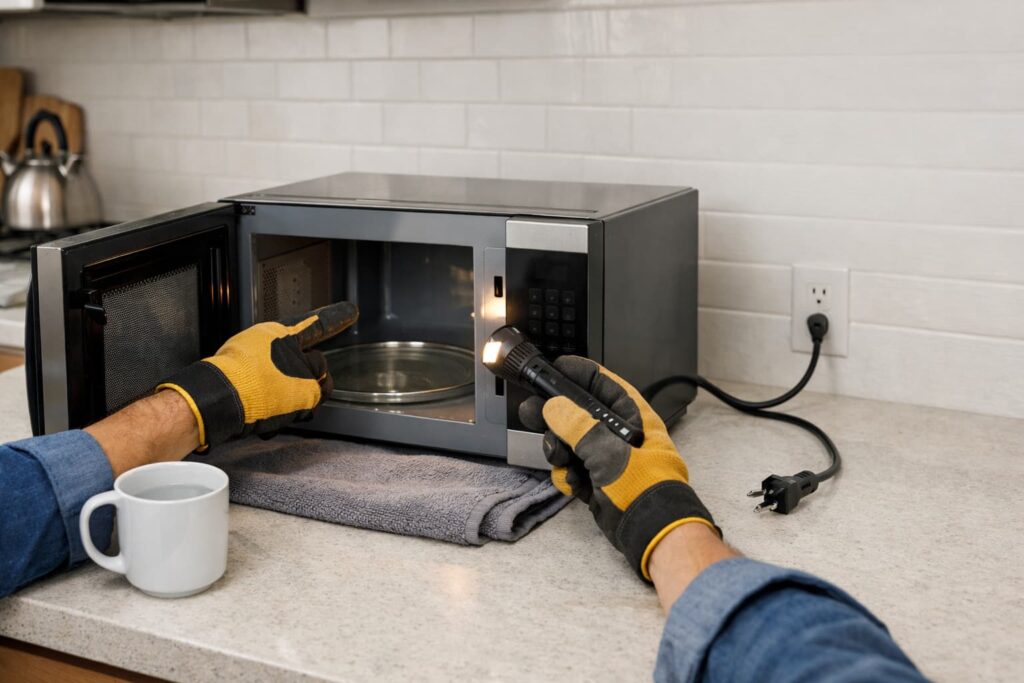
If your microwave runs but not heating, the safest and most common fixes are “non-repair” checks—like turning off Demo mode, choosing the right cooking function (not the timer), confirming power level, and making sure the door fully latches. If those don’t solve it, treat it as a service issue and avoid internal DIY because microwave components can retain dangerous voltage.
This guide walks you through safe, external checks only—with clear stop points.
Before You Start: Safety First (Read This)
Microwaves can be dangerous to repair internally. The U.S. Consumer Product Safety Commission — Microwave Ovens (PDF) warns that high voltage hazards can remain even after the unit is unplugged, so internal repairs aren’t a typical DIY project.
Stop and get help immediately if: you see sparking/arcing, smell burning, see smoke, hear a harsh grinding/buzzing that’s new, the microwave trips a breaker repeatedly, the door is bent/loose, or the unit is physically damaged. Unplug (or switch off the circuit) and contact the manufacturer or a qualified technician before using it again.
Safe rule: You can do settings, cleaning, and basic external inspection. Do not remove the outer cover or test internal parts.
Quick Diagnosis: What “Runs” Means
When people say “it runs,” they usually mean:
- Lights turn on
- Fan runs
- Turntable spins
- Display counts down normally
Yet the food stays cold. That usually points to either:
- A mode/setting that prevents heating, or
- A door latch/interlock problem, or
- An internal high-voltage / heating-system failure (pro-only)
Fast Checklist (2 Minutes)
Try these in order:
- Confirm you started a cook function (not the Kitchen Timer)
- Check that Demo mode is OFF
- Verify Power Level isn’t set very low
- Make sure Control Lock isn’t on
- Open/close the door firmly so it fully latches
- Try a simple power reset (safe method below)
Quick confirmation test (safe): Microwave performance varies by model and settings, so before you assume it’s “not heating,” place a microwave-safe cup of room-temperature water in the center, run a short cook cycle on High, and check whether the water warms at all. Stop immediately if you notice sparking/arcing, a burning smell, smoke, or unusual loud buzzing.
If it still won’t heat, skip to When to Call a Pro.
Step-by-Step Safe Troubleshooting (No Tools Needed)
1) Make sure you’re using a cooking function (not the timer)
It’s surprisingly common to start a countdown that looks like cooking—but it’s only a timer.
What to do (safe):
- Press Stop/Cancel
- Enter time + Start using a known cooking mode (like “Time Cook” or “Cook Time”)
- If your microwave has multiple modes, avoid anything labeled Timer or “Kitchen Timer”
Tip: If you’re troubleshooting, use a simple Time Cook/Manual Cook test first. Some Sensor, Reheat, or Defrost programs can pause or pulse power, which can make heating seem inconsistent when you’re trying to confirm a no-heat issue.
Samsung notes that using the timer (instead of a cooking function) can make it seem like the unit runs but doesn’t heat. Use Samsung Support — Microwave has stopped working or will not heat for examples for that interface.
2) Turn OFF Demo mode (classic “runs but doesn’t heat” culprit)
Demo mode is designed for showroom display. It can allow the lights, fan, and turntable to work while heating stays off.
What to do (safe):
- Look for “DEMO” on the display (some models show it)
- Check your settings menu for Demo mode and turn it off
Samsung explicitly calls out Demo mode as a reason a microwave can appear to run normally but not heat.
This official Whirlpool video shows how to enter/exit Demo Mode on certain Whirlpool low-profile models (handy example of what “Demo mode off” looks like—your steps may differ).
3) Check Power Level (it may be set too low)
A very low power level can look like “no heat,” especially with larger or colder items.
What to do (safe):
- Set Power Level back to High (or the default)
- Test with a small cup of water for a short cook cycle (stay nearby and stop if anything looks or sounds wrong)
Whirlpool lists low power level as a common reason for poor or no heating in its general troubleshooting guidance: Whirlpool — Microwave Not Heating: Possible Causes and Fixes.
4) Make sure Control Lock or Delay features aren’t preventing heating
Some models will accept button presses but won’t operate normally when locked or delayed.
What to do (safe):
- Look for a lock icon or “LOCK” indicator and turn it off (often a long-press key)
- Check for delayed start or scheduled cook settings and clear them
These are also covered as common “it seems fine but won’t heat” causes in Whirlpool’s troubleshooting overview.
5) Confirm the door fully latches (and inspect for obvious damage)
Microwaves are built to prevent operation if door safety systems aren’t satisfied. Sometimes the unit will appear to run, but heating won’t engage if the latch/interlock isn’t behaving correctly.
What to do (safe):
- Open the door, then close it firmly (don’t slam)
- Check for crumbs/grease around the latch area; wipe with a damp cloth
If you see buildup, clean the door edge and latch area with a damp cloth and mild dish soap, then dry it. Grease or crumbs around the latch can prevent a clean “click” and may keep heating from engaging on some units.
- Inspect the door for:
- Loose hinge
- Warped door
- Cracked frame
- Damaged seal area
Stop here if the door is damaged. The U.S. Food & Drug Administration — Microwave Ovens advises contacting the manufacturer if you suspect issues with door latches, hinges, or seals.
6) Do a safe “power reset” (basic restart)
A simple power cycle can clear some temporary control glitches.
Safe method:
- Press Stop/Cancel
- Unplug the microwave (or switch off the circuit if it’s hardwired/OTR)
- Wait a short period
- Restore power and test a basic cook cycle
If it still won’t heat after the checks above, treat it as a service issue.
Troubleshooting Map: Symptom → Likely Cause → Safe Next Step
| What you notice | Likely cause | Safe next step |
|---|---|---|
| Everything runs normally, no heat | Demo mode / wrong mode | Turn off Demo mode; use a true cook function |
| Runs, but heating is very weak | Power level too low | Set Power Level to High; retest |
| Runs, but buttons behave oddly | Control Lock / delay settings | Turn off Lock; clear delays |
| Door feels “off,” misaligned, or loose | Latch/hinge/seal issue | Stop and contact manufacturer/service |
| No heat after all checks | Internal component failure | Call a qualified technician |
When to Call a Pro (and why)
If your microwave runs but not heating after the safe checks, the remaining likely causes are typically internal—like door-interlock switches or high-voltage/heating components.
Before you call, grab your model and serial number (often found on the door frame, inside the door, or on a label on the unit). If the microwave is newer, it’s also worth checking whether it’s still under warranty so you can use the manufacturer’s recommended service path.
Do not attempt internal diagnosis or part replacement. The CPSC guidance above is the reason: the high-voltage hazard can remain even after unplugging.
Call for service if:
- It still won’t heat after you confirm Demo OFF + correct cook mode + High power + door latching
- You see door damage, hinge issues, or sealing concerns
- You hear unusual buzzing, see arcing/sparking, smell burning, or see smoke
- The unit repeatedly trips a breaker or blows a fuse
Official Samsung overview of safe, user-level troubleshooting steps and when to escalate to service (helpful for “what to check before calling”).
Preventing “No Heat” Problems (Safe Maintenance)
These won’t fix a broken heating system, but they can prevent false symptoms and keep operation normal:
- Keep the door/latch area clean (crumbs and grease can interfere with closure)
- Avoid running the microwave empty (follow your owner’s manual)
- Don’t use containers or foil that can cause arcing
- If your model has settings like Demo mode, note how to toggle it so it doesn’t get turned on accidentally
FAQs
Why does my microwave run but not heat?
Most commonly it’s a setting or mode issue (like Demo mode, timer mode, low power level, or Control Lock). If those are ruled out, it may be an internal component failure that needs professional service.
What is Demo mode on a microwave?
Demo mode is a showroom/display mode that can let the microwave look like it’s working while disabling heating. Many brands provide model-specific steps to turn it off.
Is it safe to open a microwave to fix “no heat”?
No. Microwaves can contain dangerous high-voltage components that may remain hazardous even after unplugging. Stick to external checks and contact a qualified technician for internal repairs.
Can a bad door latch cause no heating?
Yes. If the door doesn’t latch correctly, heating may not engage. If the door, hinges, latches, or seals are damaged, stop using it and contact the manufacturer or a professional.
Why does my microwave heat sometimes but not always?
Intermittent heating can happen with door-latch/interlock issues or internal component problems. Because this can involve safety systems and high voltage, it’s best handled by a qualified technician.
Should I replace the microwave if it won’t heat?
If safe troubleshooting steps don’t help, compare the age/condition of the unit and the service recommendation from a technician. For built-in or over-the-range models, professional evaluation is often worthwhile before replacement.
Conclusion
When a microwave runs but not heating, start with the safe wins: correct cook function (not timer), Demo mode off, power level high, lock/delay cleared, and a fully latched door. If it still won’t heat, stop at the safety line and call a pro—microwave internals aren’t a safe DIY repair zone.