

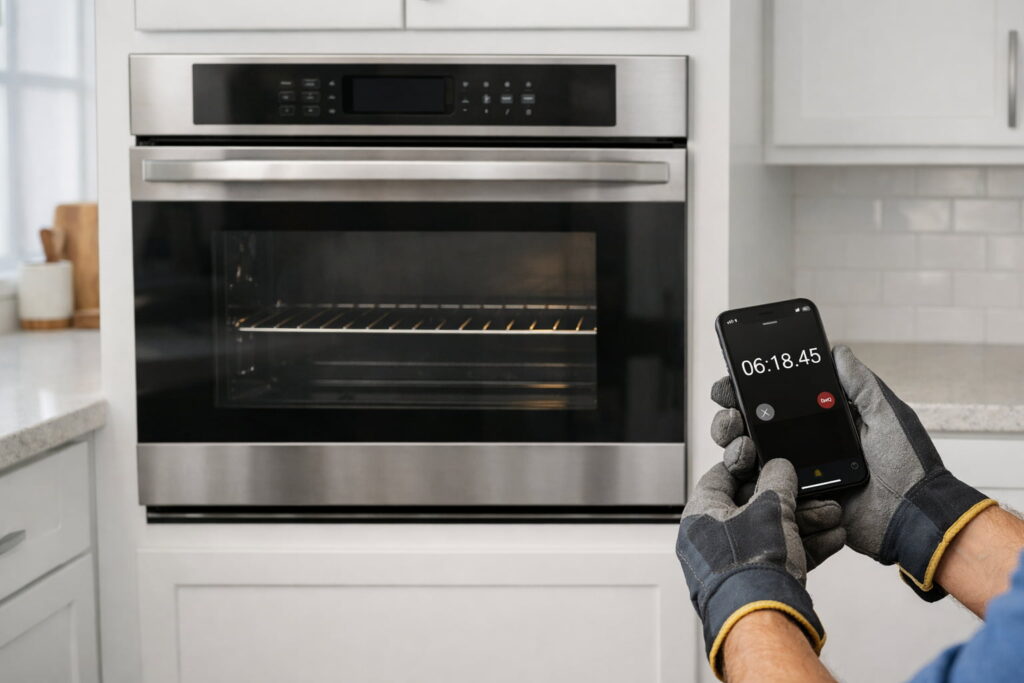
If your oven takes too long to preheat, it’s usually due to normal design differences (hidden elements/gas), a power-supply issue on electric ranges, heat loss at the door, or something blocking airflow. The safest fix is to run a simple “baseline preheat test,” then work through a short checklist to rule out easy causes before you schedule service.
Safety first (read before troubleshooting)
- Stop and call a pro right away if you notice a gas smell, sparks, smoke, burning electrical odor, or repeated breaker trips.
- Keep the area around the oven clear while it heats. Cooking is a leading cause of home fires, so stay nearby during preheat and cooking per NFPA — Cooking safety.
- Do not line the oven bottom with foil. It can trap heat, damage surfaces, and create safety hazards per GE Appliances — Aluminum Foil Fused in Oven.
Extra safety reminder: Keep flammable items off the cooktop and consider using control lock (if your range has it). Some ranges have been recalled in recent years due to unintentional activation risks, so it’s worth building the habit of checking controls are off when you’re done.
This NFPA video reinforces the key safety habits to follow while the oven is preheating and cooking.
Step 1: Do a quick baseline preheat test (5 minutes of setup)
Before you change anything, test your oven in a “best-case” setup so you can tell what’s normal vs. abnormal.
Baseline test setup
- Put one rack in the middle position.
- Remove any heavy cookware (pizza stone, cast iron) from inside.
- Close the door fully and don’t open it during preheat.
- Set the oven to 350°F and time it from Start to “preheated.”
Tip: The oven’s “preheated” beep/light is a helpful guide, but it isn’t a lab-grade measurement. If your oven seems inconsistent, repeat the baseline test once and focus on whether the time is consistently long in the same setup (one rack, door closed, no heavy cookware).
How long is “normal”?
Preheat time varies by oven design and feature set. GE notes typical ranges that can differ a lot between visible vs. hidden elements (and many gas ovens). See GE Appliances — Preheat Time Too Long for examples such as:
- Visible bake element: about 5–10 minutes
- Hidden bake element with fast preheat: about 7–10 minutes
- Hidden bake element (and many gas ovens): about 15–20 minutes
If your baseline time lands in those kinds of ranges, your oven may be working normally—and the “issue” may be expectations, cookware load, or temperature accuracy (more on that below).
This CAFE Appliances video helps readers understand what the preheat signal means and how to interpret “preheated” during testing.
Step 2: Electric oven? Check for a power supply problem (most important “slow preheat” cause)
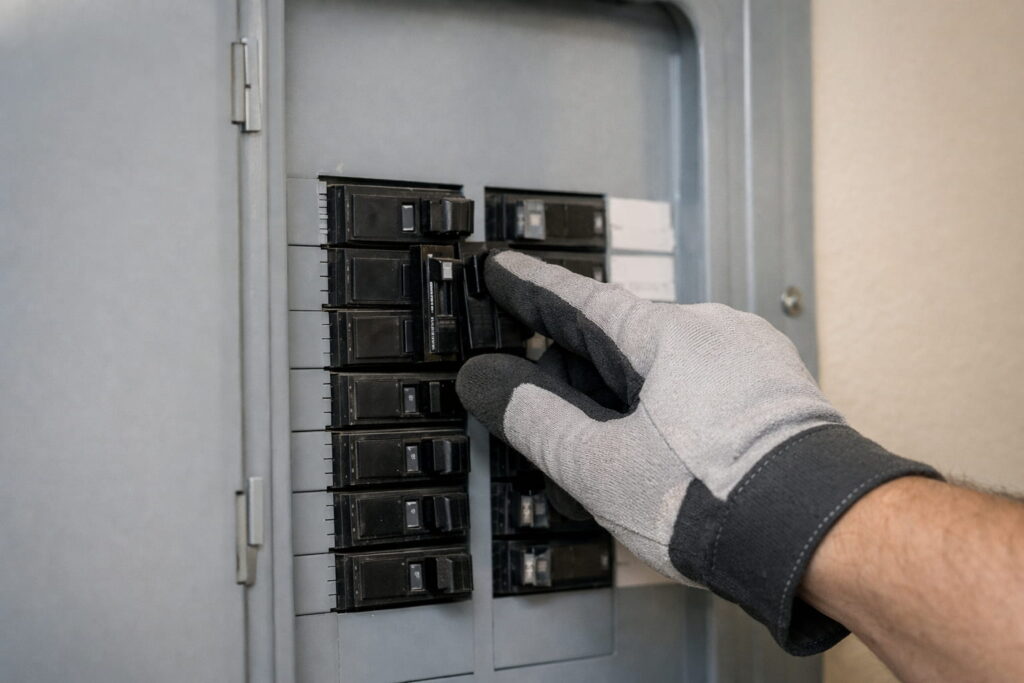
A common reason an electric oven takes too long to preheat is that it’s not getting full 240V power (for example, a partially tripped breaker). Some functions may still appear to work, but heating can be weak and slow.
Safe checks (no tools required)
- Look for a half-tripped breaker (it may not look fully “off”). Reset by switching fully off, then on.
- Notice whether heating seems generally weak or inconsistent.
Samsung notes that incorrect power/voltage can cause temperature and preheat issues and provides a practical benchmark test using 350°F; if it takes longer than about 20 minutes in a simple setup, service may be needed—see Samsung Support — Oven temperature issues.
Stop boundary
- If breakers trip repeatedly or you suspect wiring/outlet problems, stop and contact a qualified technician/electrician.
Gas oven note: Many gas ovens (and some electric models with hidden bake elements) can naturally take longer to preheat than older designs. If you have a gas oven and preheat suddenly becomes much slower, you may be dealing with an ignition or burner issue. Do not attempt internal gas or ignition repairs yourself. If you smell gas or suspect ignition problems, stop and contact a qualified service technician.
Step 3: Eliminate heat loss and “self-inflicted” slowdowns
Even a healthy oven can feel “slow” if it’s losing heat or fighting extra thermal mass.
Keep the door closed during preheat
Opening the door dumps heat and can significantly slow preheat. During your baseline test (and most real cooking), keep it closed.
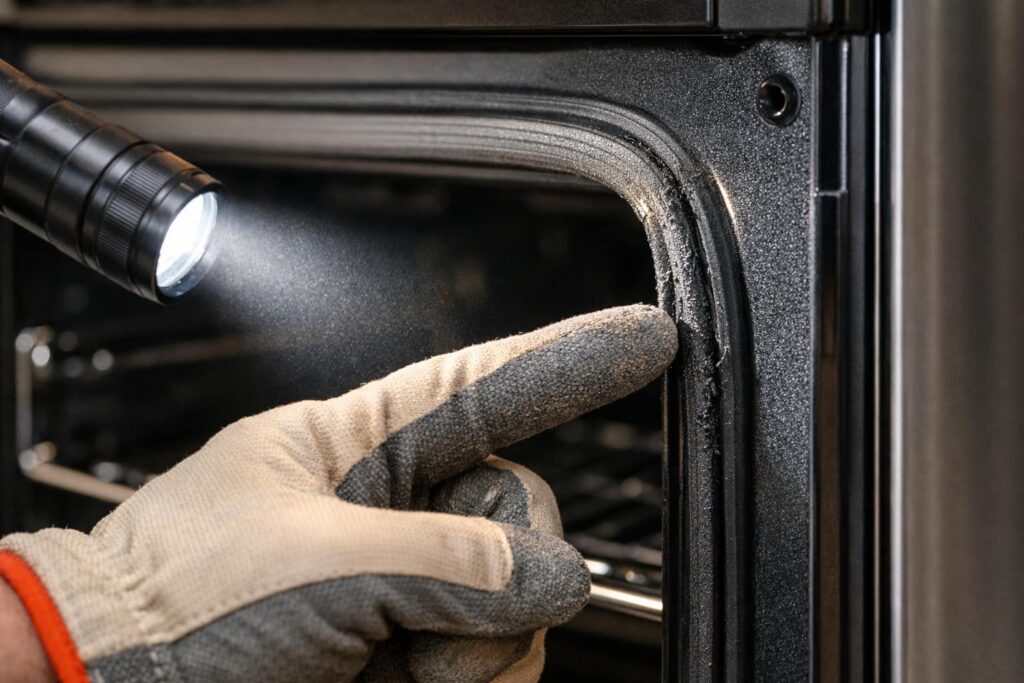
Check the door seal quickly
What to look for
- Torn, flattened, loose, or brittle gasket material
- Door that doesn’t close evenly
A compromised seal leaks heat, especially early in the preheat cycle.
Remove extra racks and heavy items while testing
Extra racks and heavy cookware absorb heat. For diagnosis, stick to one rack until you confirm normal performance.
Step 4: Remove foil, liners, and airflow blockers (this one matters)
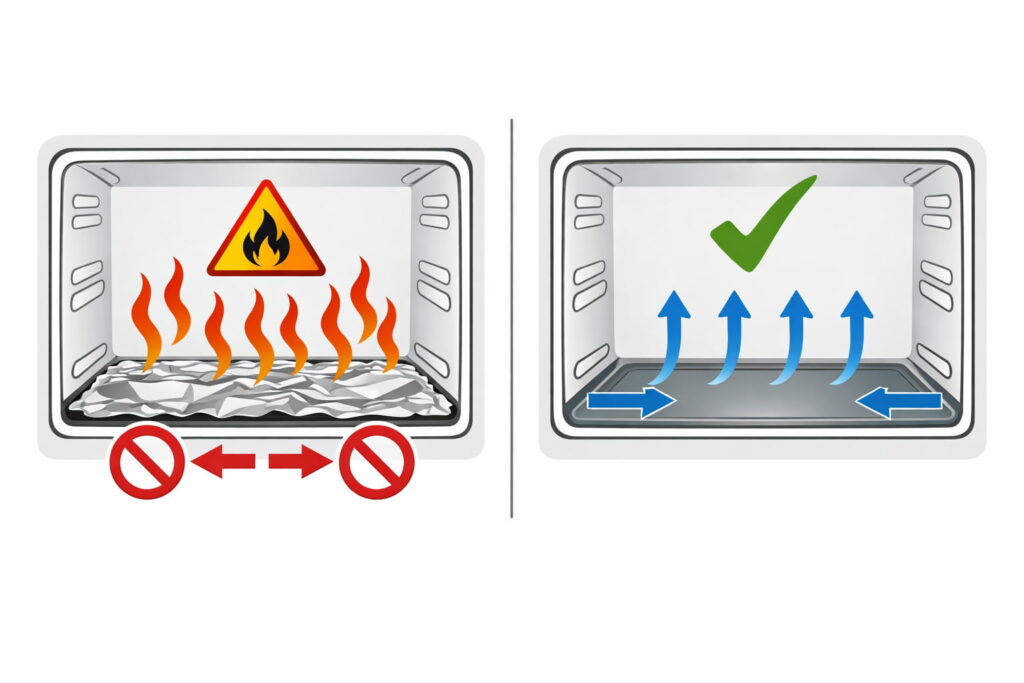
Air movement and proper heat circulation are essential for normal preheat.
Don’t line the oven bottom with foil
GE warns against foil on the oven bottom due to heat and safety risks (and it can fuse onto surfaces). Follow GE Appliances — Aluminum Foil Fused in Oven (linked above).
Don’t block racks with foil/liners
Covering racks in a way that blocks circulation can also cause problems. See the foil/liner guidance in WhirlpoolPro — Quick Start Guide (PDF).
If foil is already fused or there’s visible damage
- Don’t scrape aggressively while the oven is hot.
- Use the manufacturer’s recommended approach and consider service if damage is significant.
Step 5: Decide whether this is “slow preheat” or “temperature accuracy”
Sometimes the oven reaches “preheated,” but cooking results still feel wrong—food underbakes, bakes unevenly, or browns strangely. That can point to temperature accuracy rather than raw heating speed.
If the oven eventually reaches temp but results seem off
Many ovens allow a temperature offset/calibration adjustment. KitchenAid provides official calibration instructions and limits in KitchenAid — How to Calibrate the Oven.
Safe approach
- Use your brand’s official instructions (controls vary).
- If calibration steps don’t match your controls, use your owner’s manual or schedule service rather than guessing.
This KitchenAid video shows how calibration/temperature offset works on compatible models when the oven’s temperature seems off.
Step 6: When “oven takes too long to preheat” likely needs service
If you’ve done the baseline test and the steps above, it’s reasonable to move toward professional diagnosis when:
- Your electric oven appears to have a power issue (or the Samsung test indicates abnormal preheat time in a simple setup) per Samsung Support — Oven temperature issues (linked above).
- Preheat remains far outside what’s typical for your design per GE Appliances — Preheat Time Too Long (linked above).
- You suspect a failing heating component, sensor, control issue, or gas ignition problem (especially if performance is inconsistent).
Quick observation (electric ovens, no disassembly): During preheat, the bake element should typically warm up and/or glow at some point in the cycle. If you never see any sign of heating from the bake element (and preheat time is unusually long), that’s another strong indicator to schedule service.
Stop boundary reminders
- Do not remove panels or test live electrical components unless you’re qualified.
- Gas ignition and internal electrical diagnostics are pro-level work.
Quick troubleshooting checklist (print-friendly)
Do this in order:
- Run the baseline preheat test (one rack, door closed, nothing heavy inside).
- If electric: check for power/breaker issues (stop if it repeats).
- Don’t open the door during preheat; confirm the door seals and closes well.
- Remove foil/liners and anything blocking airflow.
- If cooking results seem “off,” use your brand’s official calibration guidance.
- Still slow? Schedule service.
FAQs
1) How long should an oven take to preheat to 350°F?
It depends on the oven design (visible vs. hidden bake element, fast-preheat features, and gas vs. electric). GE lists typical ranges that can span roughly 5–20 minutes depending on design.
2) My electric oven takes forever to preheat—what’s the most common reason?
A common cause is the oven not receiving full 240V power (for example, a partially tripped breaker). Power/voltage issues can cause slow heating.
3) Does opening the oven door during preheat slow it down?
Yes. Opening the door releases heat and can extend preheat time. For troubleshooting, keep the door closed for the entire baseline test.
4) Can aluminum foil make my oven preheat slower?
It can. Lining the oven bottom or blocking airflow can interfere with heat circulation and may cause damage or safety hazards.
5) Should I calibrate my oven if it takes too long to preheat?
Calibration is more relevant when the oven reaches “preheated” but cooking results seem wrong (temperature accuracy). Use your manufacturer’s method rather than guessing.
6) When should I stop troubleshooting and call a professional?
Stop and call a pro if you smell gas, see sparks/smoke, notice burning electrical odors, or breakers trip repeatedly. Also schedule service if baseline preheat remains abnormal after the safe checks or if official guidance indicates likely power/heating system issues.
Conclusion
When an oven takes too long to preheat, the fastest safe path is to test under a baseline setup, then rule out power supply issues (electric), heat loss at the door, and foil/airflow blockers. If your results are still far outside typical ranges for your oven type—or you see any safety red flags—stop and book service so the heating system can be checked correctly.